Nermal

Code editor

A fast code editor and an alternative to VS Code.

Editor, terminal, git, and search in one native window. Work over SSH, run coding agents beside your files, and keep sessions alive after you quit. Written in Rust and rendered on the GPU.

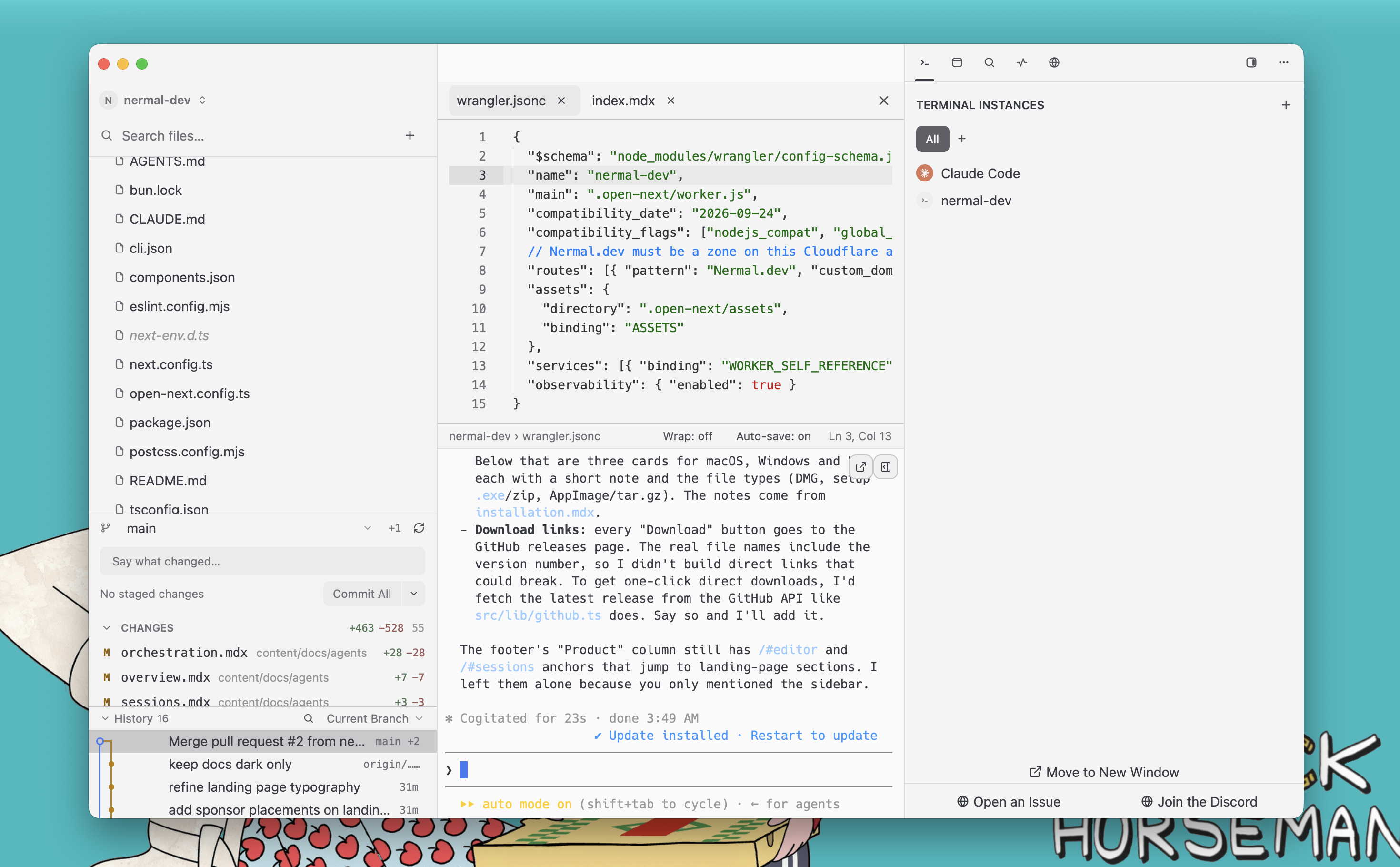
Nermal workbench with file tree, editor, terminal and side panel

Close the editor. Keep your work running.

Quitting Nermal closes the window, not your terminals. Your build keeps building, your agent keeps working, your SSH session stays up. Reopen the editor and it reattaches to exactly what was there.

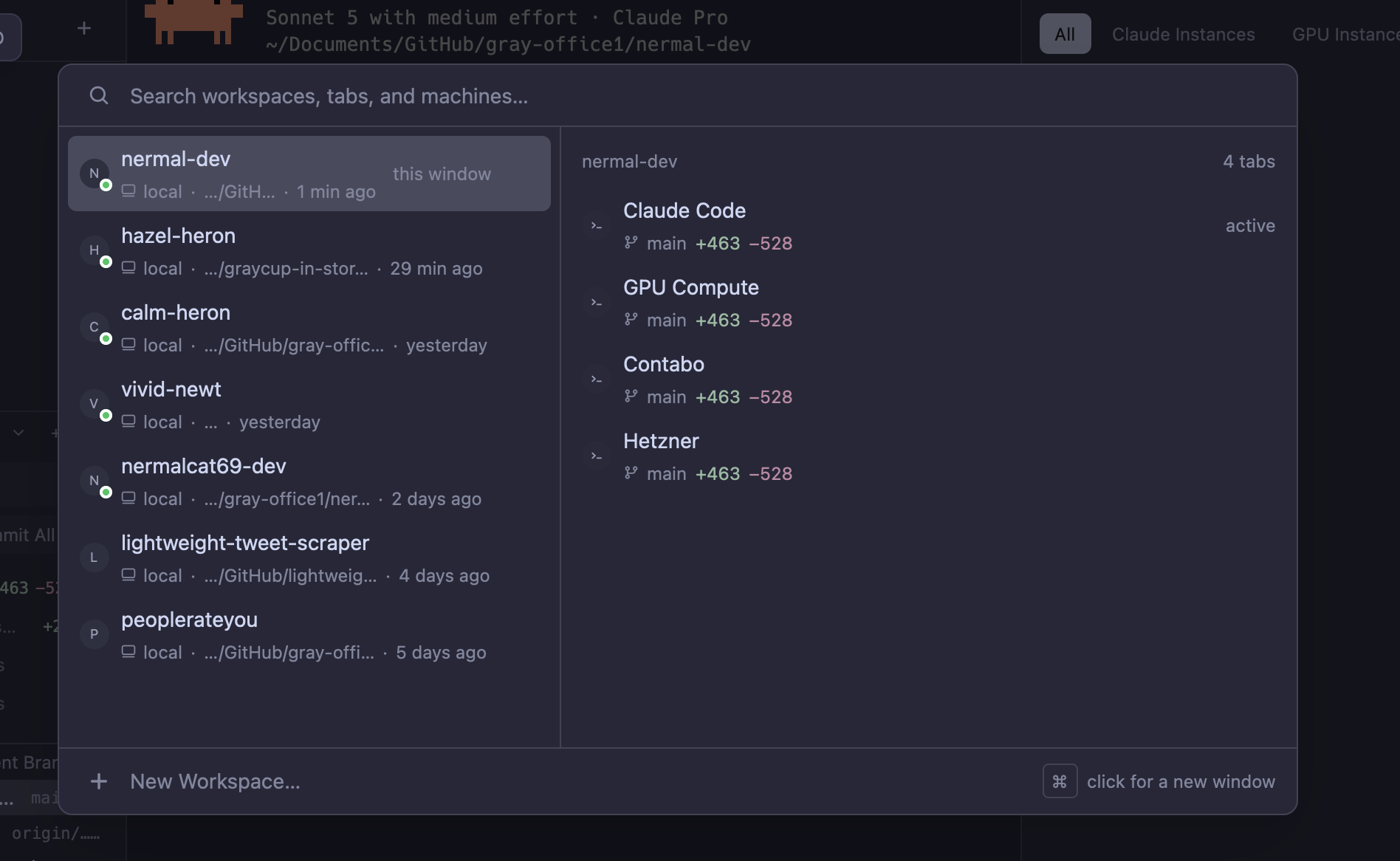
Workspace switcher listing workspaces and their tabs

Workspace, tab, pane.

A pane is one terminal: one shell on one PTY. A tab is a layout of panes. A workspace is a named set of tabs, usually a project. The server is the fourth word, and the reason the other three survive a reboot.

Open a file and the editor docks beside the terminal, with syntax highlighting, auto-save, and conflict detection. Every project keeps its own files, git, and terminals in one workspace.
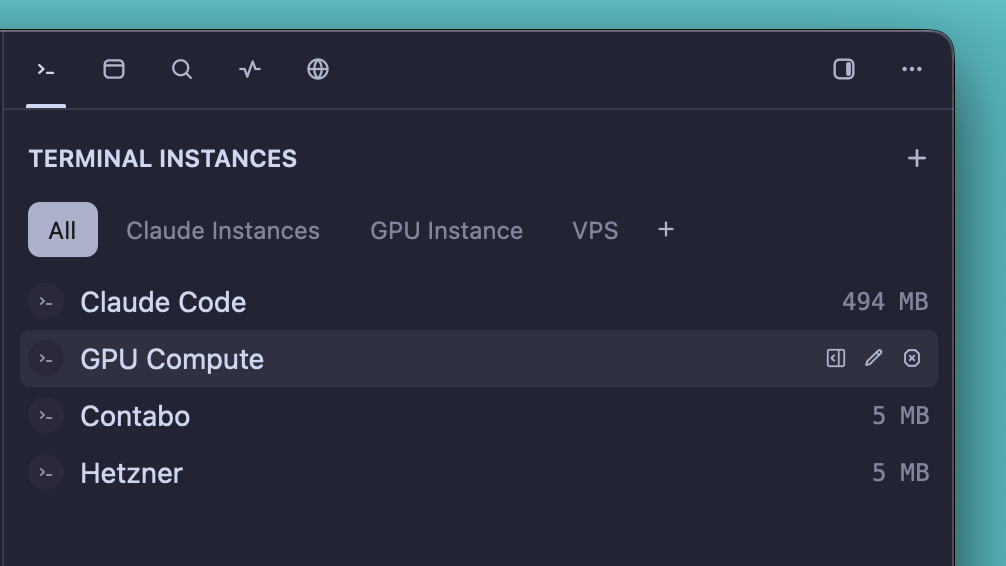
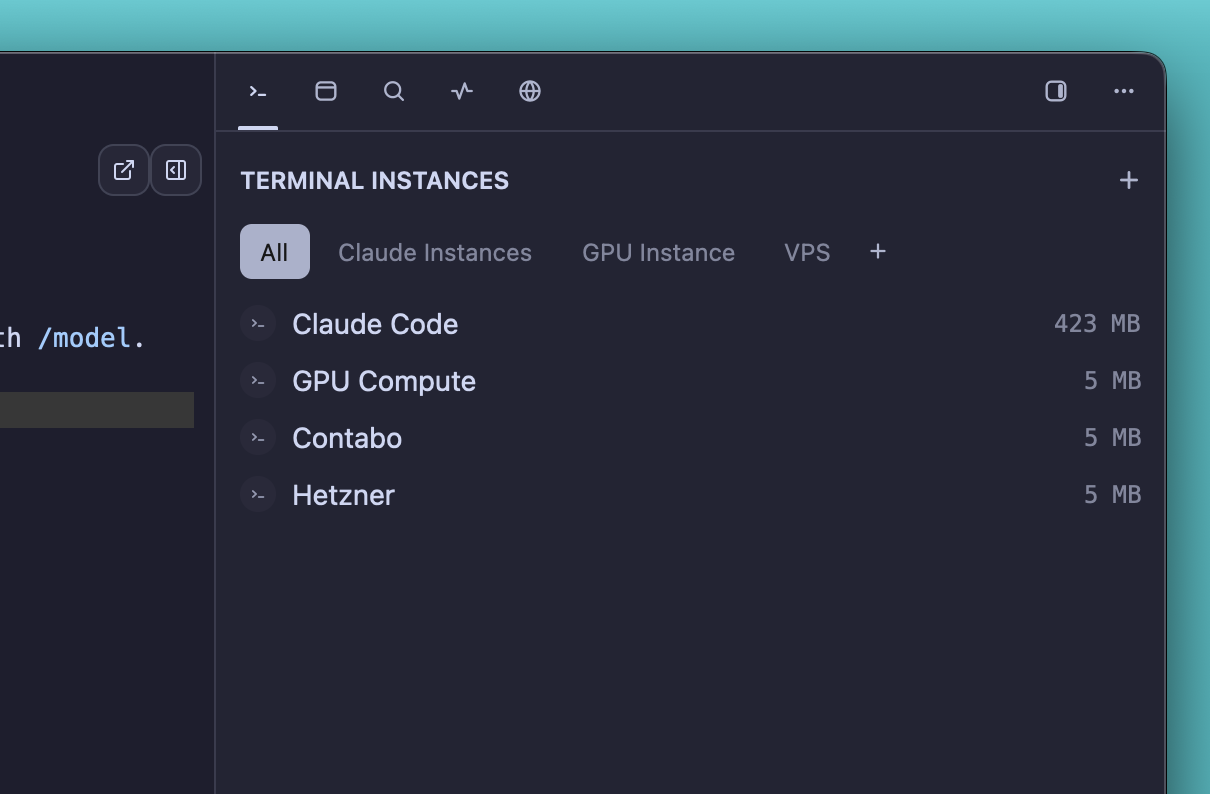
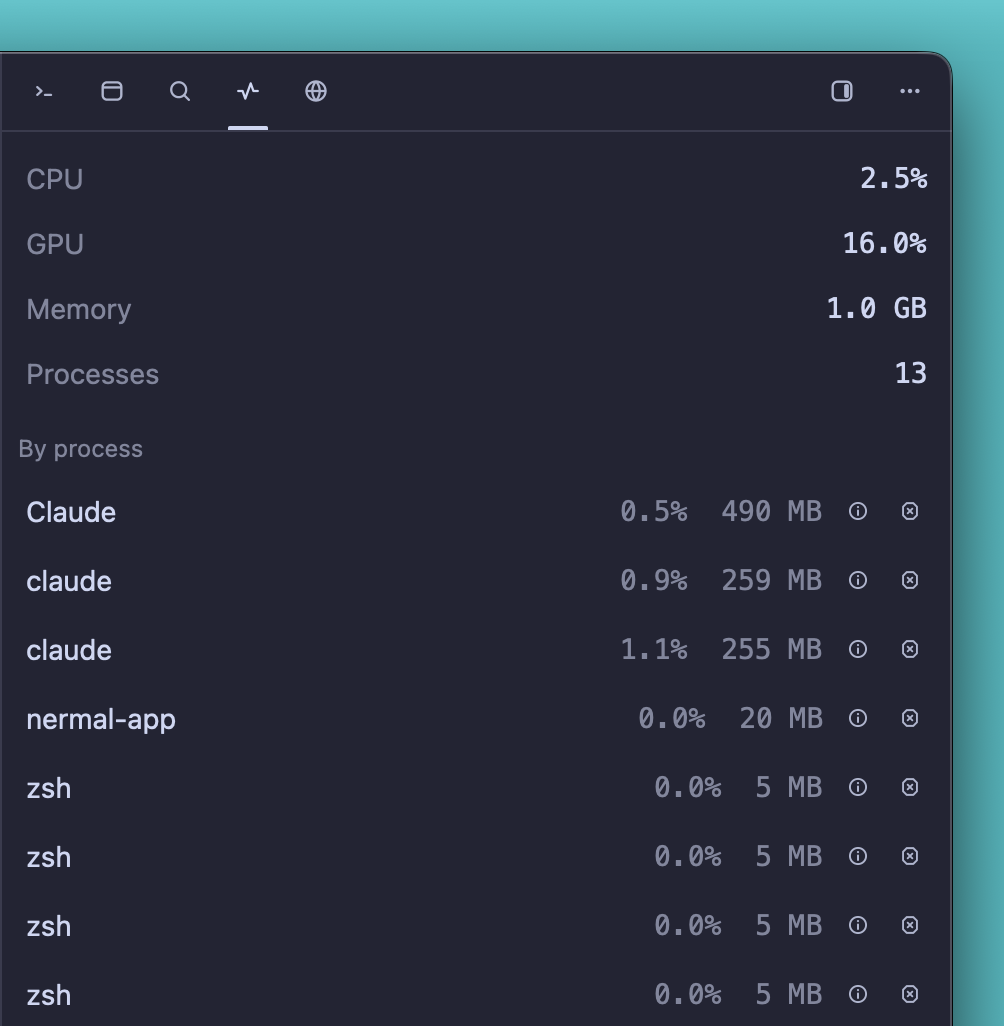
Terminal instances list with per-pane memory

Recognised on sight.

22 coding CLIs are recognised in the pane, including Claude Code and Codex. Nermal does not wrap them. You get per-pane status, a notification when one needs you, git context on the row, and the session resumes after a reboot.

Git history

Git history

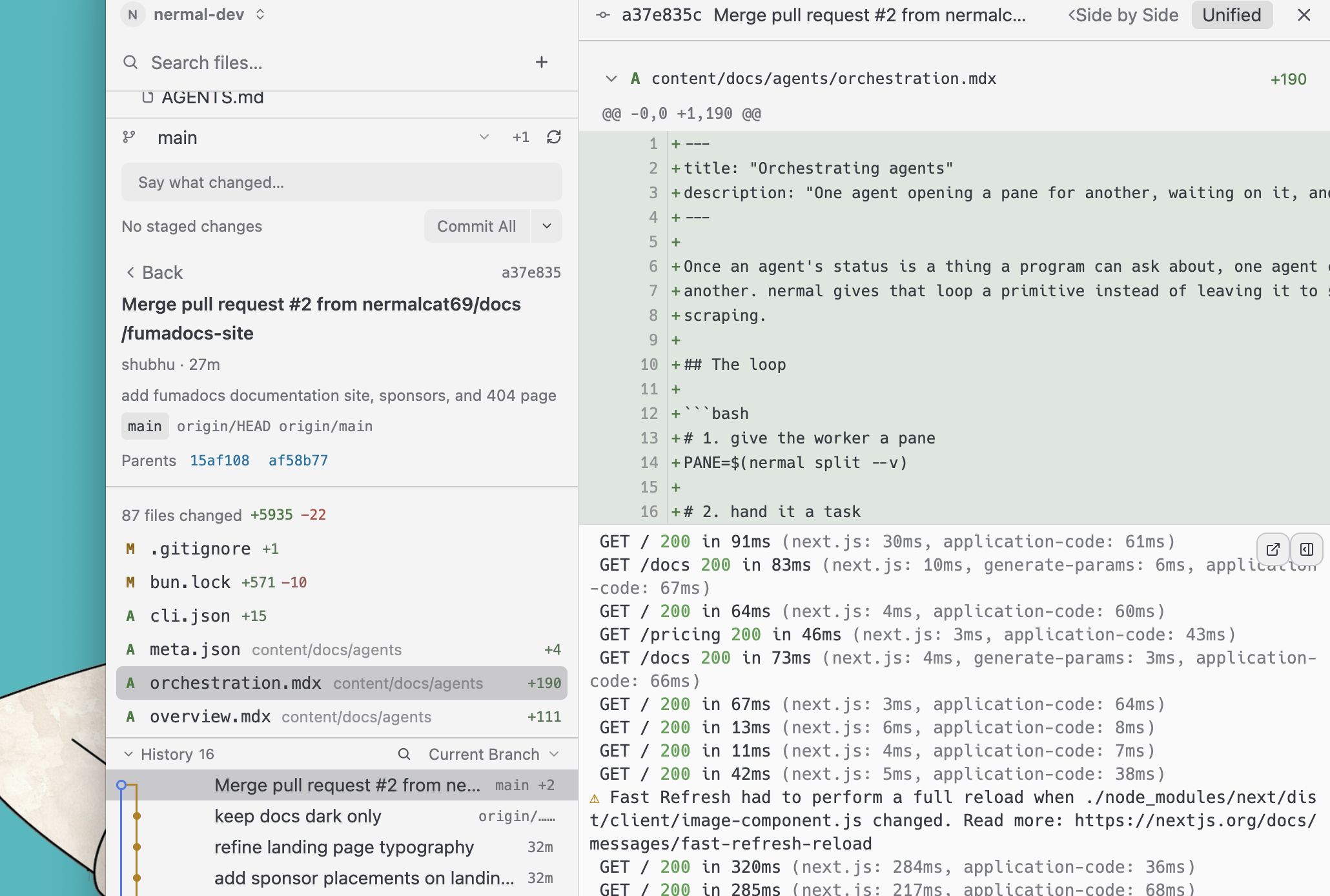
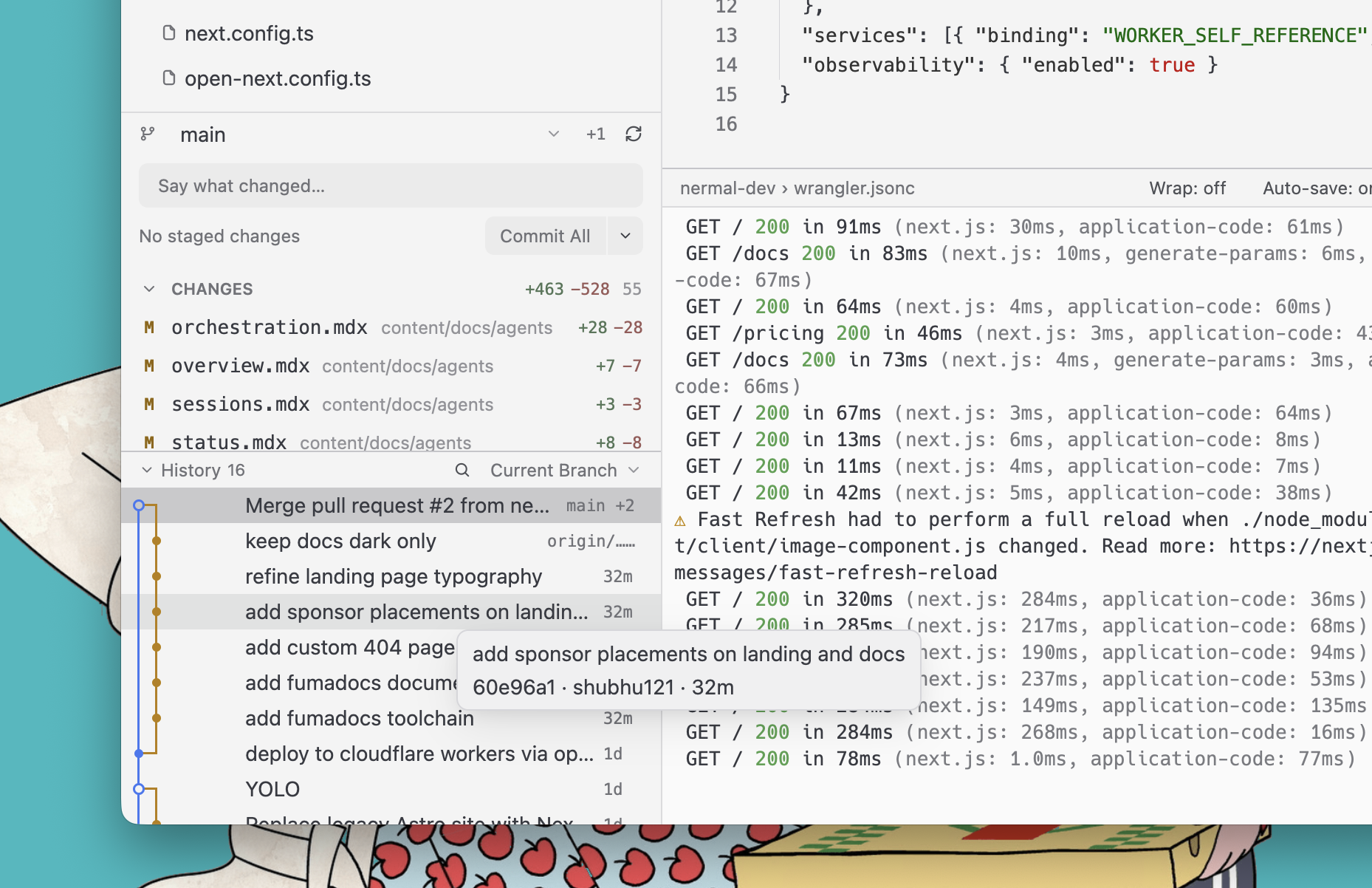
Stage, commit, and browse history from the sidebar, next to your files and your terminal.

Inline diffs

Inline diffs

Open any commit and read the diff in unified or side-by-side view without leaving the window.

Terminal instances

Terminal instances

Every pane in a workspace is listed in the side panel. Group them into tabs like Claude, GPU, or VPS.

Session details

Session details

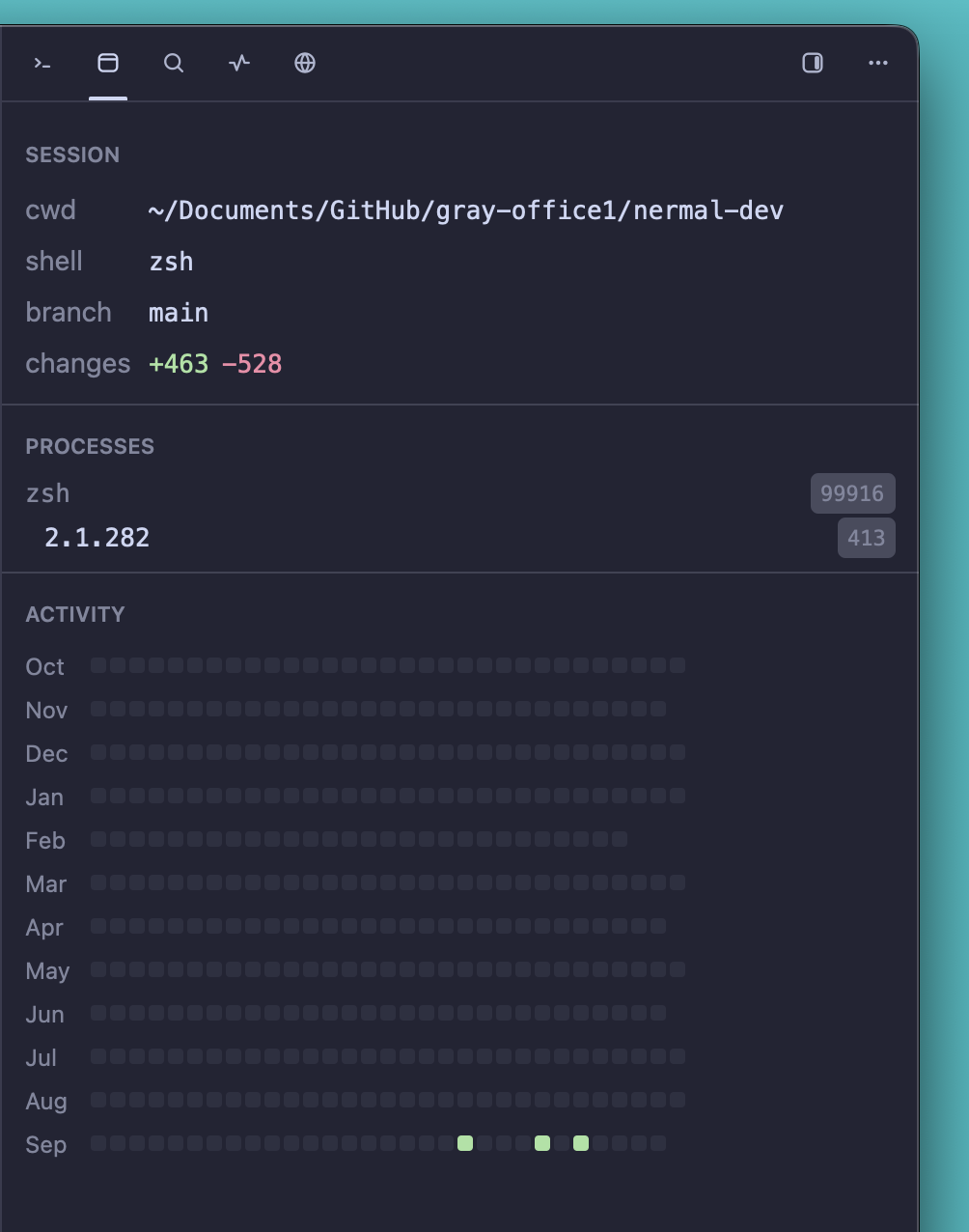
Working directory, shell, branch, running processes, and a year of activity for the focused pane.

Project search

Project search

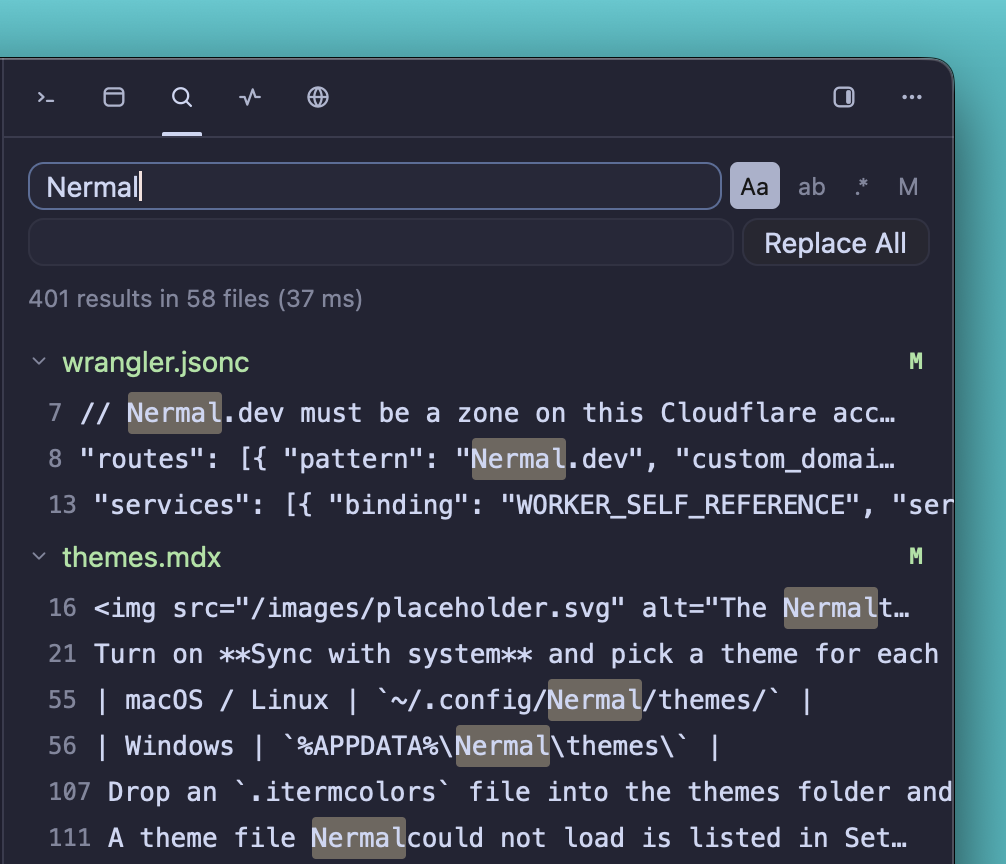
Search and replace across every file in the workspace, with case and regex toggles.

Activity monitor

Activity monitor

CPU, GPU, and memory per process, with a button to inspect or kill anything that runs away.

GitHub stars
14
Release downloads
6
CLIs recognized
22

Recognised on sight

  • Claude Code
  • Cursor
  • Gemini
  • Grok
  • OpenCode
  • Kimi

Fast where it counts.

The built-in terminal, benchmarked: 95 ms for an 11 MB cat. Same machine, same day, same 155 by 40 grid. Apple M1 Pro, macOS 26.3.1, five-run averages. Roughly twice the throughput of Alacritty, Ghostty, or Kitty on a big cat.

Five-run average throughput: Nermalversus Alacritty, Ghostty, and Kitty
MeasureNermalAlacrittyGhosttyKitty
11 MB catlower is better95 ms239 ms179 ms185 ms
DOOM-firehigher is better888 fps485 fps552 fps617 fps
Cold launchmemory116 MB105 MB128 MB130 MB

Cold launch is the GUI at 105 MB plus the persistent server at 11 MB. The method is in scripts/bench.

  • The PTY is read at device speed and parsed in large batches, off the render path, so drawing never throttles reading.
  • The hot paths are lock-free. A big cat never waits on the renderer.
  • The server buffers up to 16 MiB ahead of the window before backpressure applies, enough that a flood finishes writing while the window is still catching up.
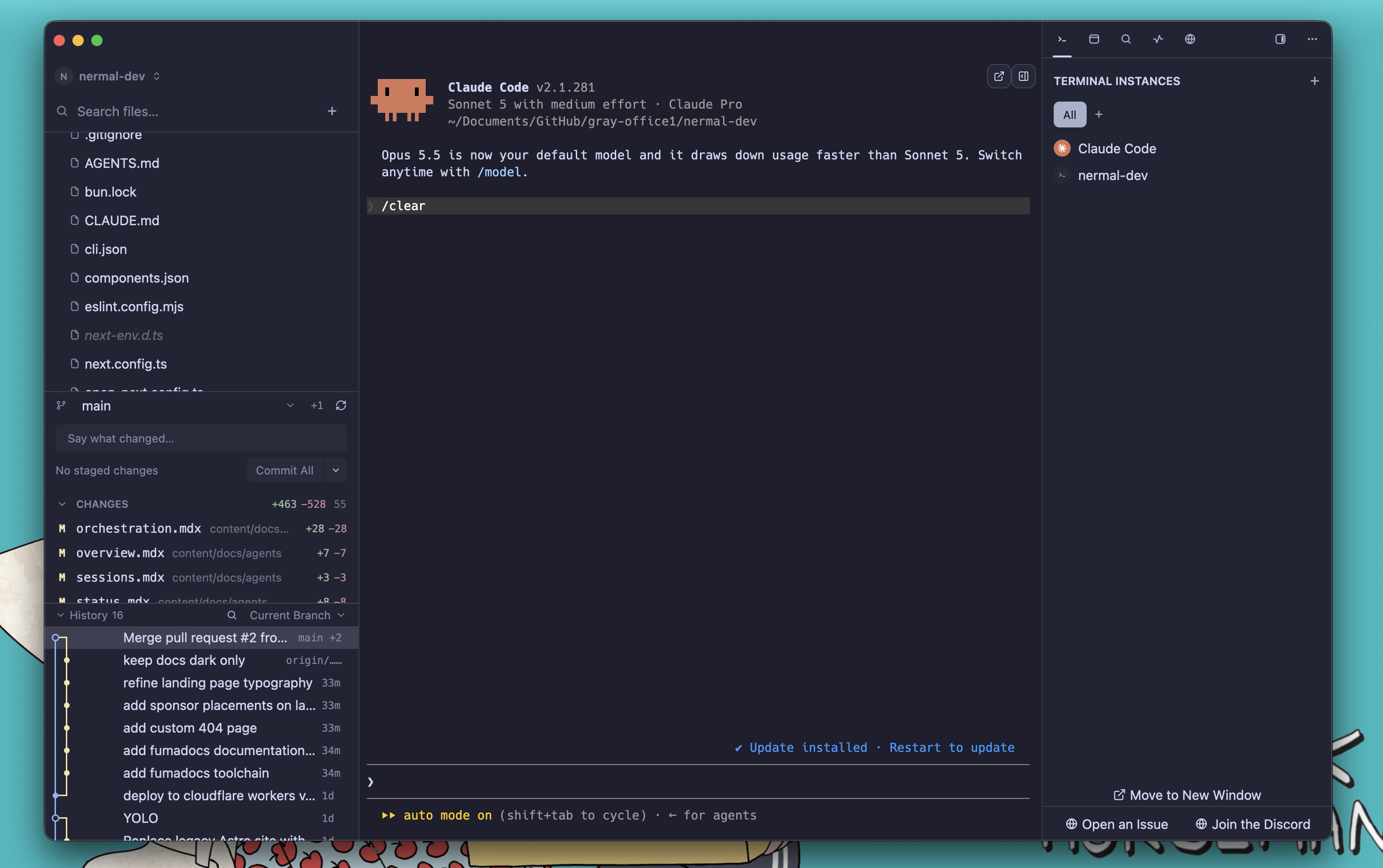
Nermal in dark mode running Claude Code beside a git sidebar

Edit. Run. Keep going.

A free, native code editor for macOS, Windows, and Linux.